Static vs dynamic QR codes: why printed codes stop working, with a checklist
A static QR code points straight to your address and won't break, but it counts nothing. A dynamic code goes through a short link: it shows visits, and it works only as long as that link does. Below is what each one depends on, plus a checklist for before you print.

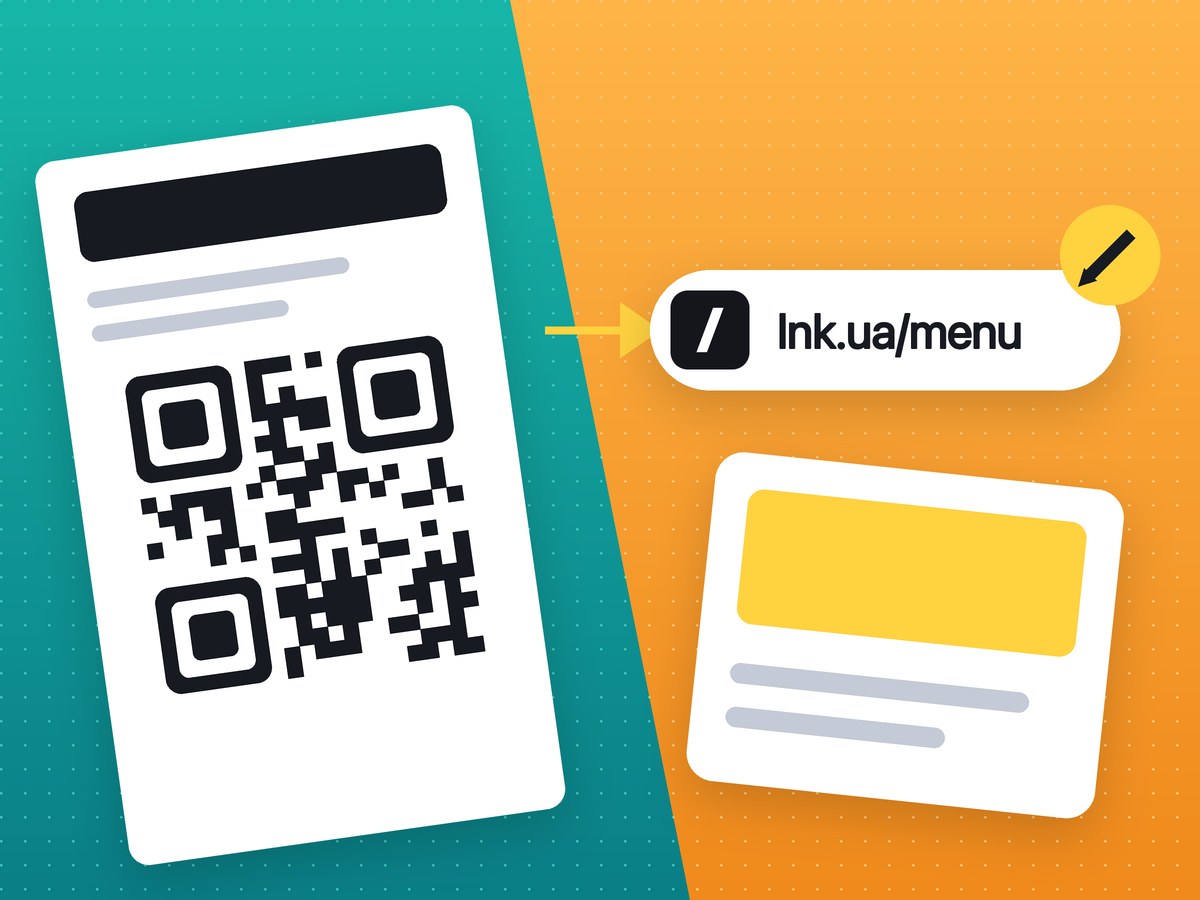
If a code is printed once and the address behind it will never change, a static QR code is enough. If you want to know how many people scanned it, or you're printing a large run, make the QR code from a short link created in an account, and go through the checklist below. You can create a QR code for a link on qr.lnk.ua without signing up.
Static vs dynamic QR codes: the difference
A static QR code contains the website address itself:
QR → https://your-site.com/menu
The phone reads the code and opens the site directly. There's no middleman, so nothing can break as long as your site is up. Nothing can be changed either: the address is encoded in the black and white squares.
A dynamic QR code contains a service's short link, which redirects to your site:
QR → lnk.ua/Xk7pQ2mZa → https://your-site.com/menu
The service sees every scan as a visit to the link and can count it. Some services also let you change the address behind the short link, so the code on your flyer sends people to a new page without a reprint. That's usually what "dynamic QR code" means.
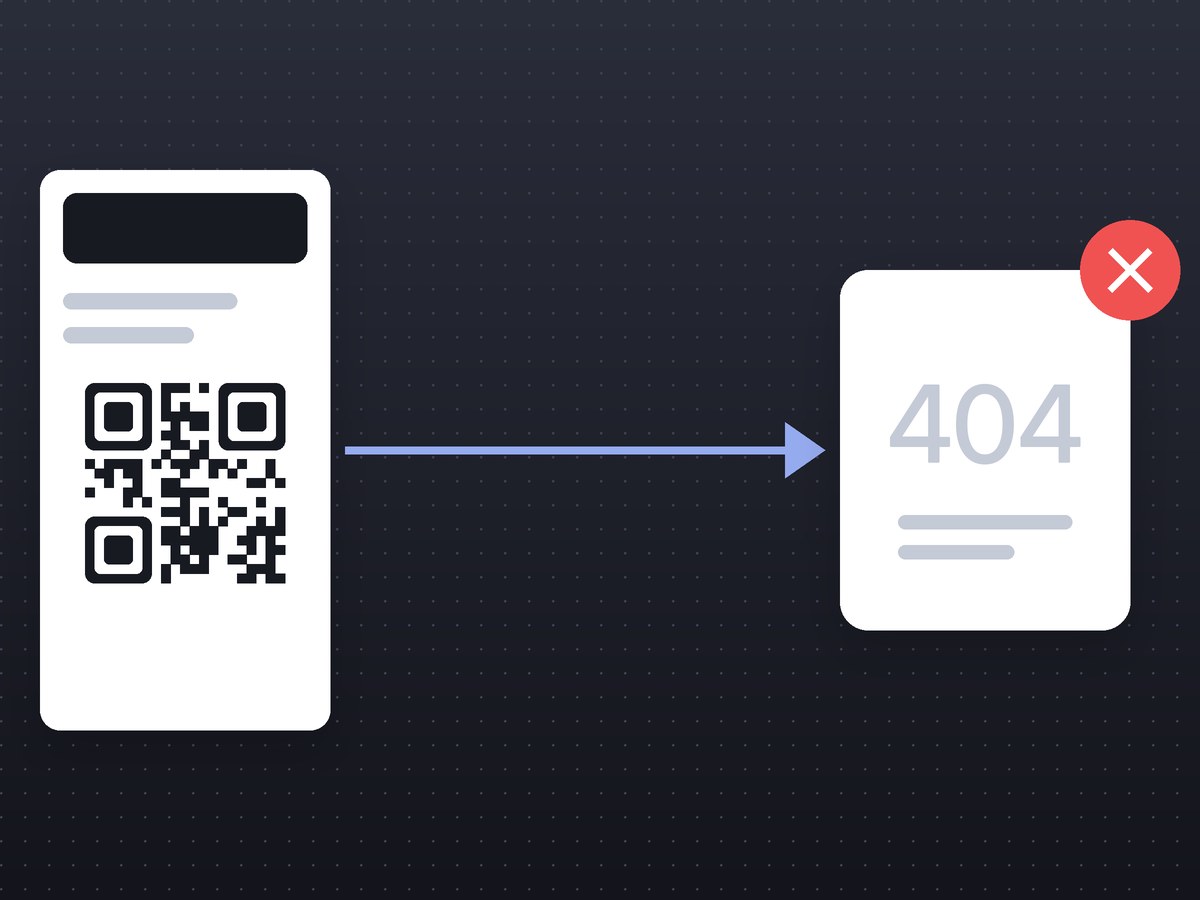
You see the difference the day a page moves. The menu goes to a new website, and the static code on every table now opens a 404 error until you reprint the table tents. A code on a short link can be pointed at the new address while the paper stays the same.
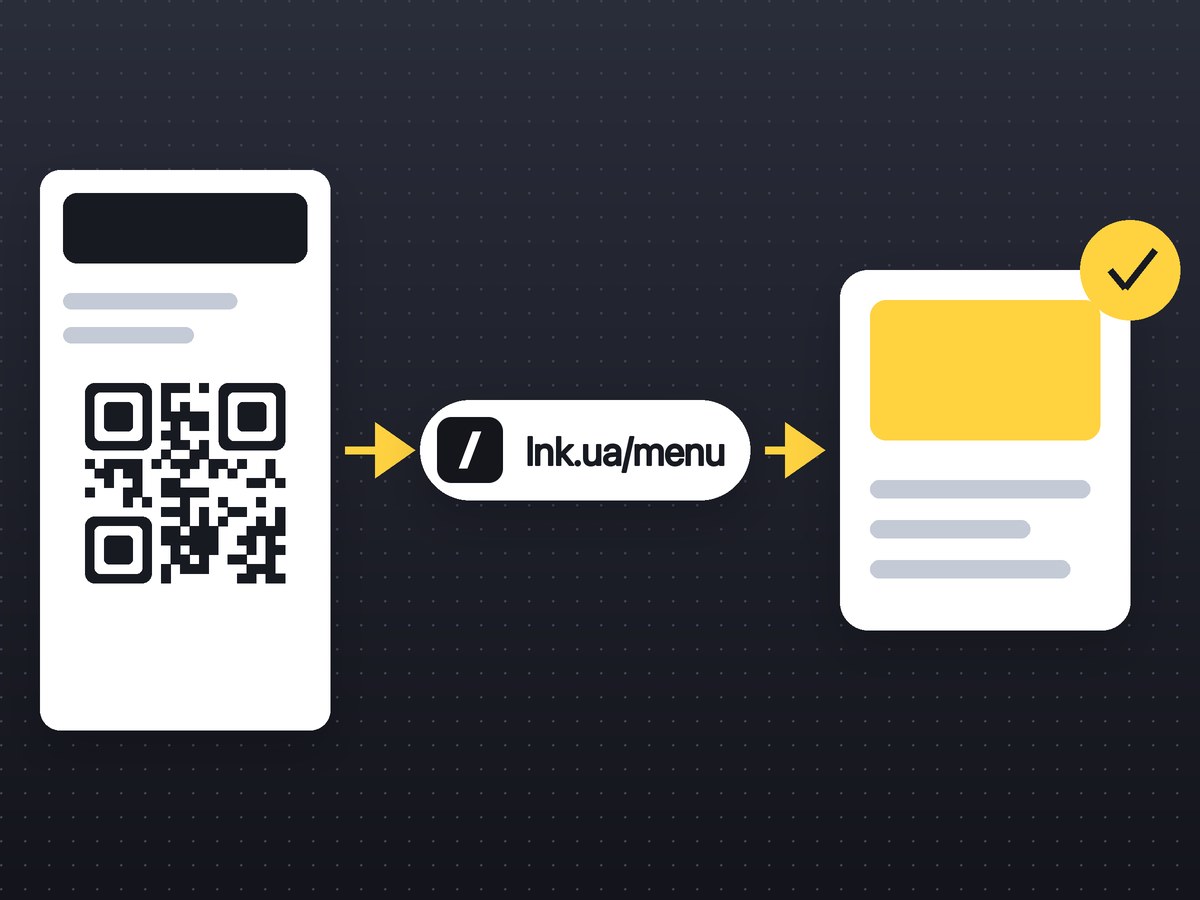
On lnk.ua, QR codes point to a short link and visits are counted. Whether you can change the destination of a finished link depends on your plan. If you can't, plan your print run as if the address is final.
Code density matters too. The longer the address, the more tiny modules the code has and the harder it is to scan from a distance. A 120-character URL with UTM tags produces a dense code. An lnk.ua short link produces a simple one with large modules.
Why "free" QR codes stop working
Small business owners complain about this more than anything else. Three stories from Reddit, word for word:
"We printed around 2,000 brochures … A few months later, we found out the QR service had changed its policy and now wanted us to upgrade to a paid plan. Otherwise the QR would stop working." (r/smallbusiness)
"printed like 500 table tents with a QR code and a month later the generator wanted … to keep it live. had to reprint everything." (r/smallbusiness)
"I somehow did NOT realize that I was only on a 'free trial' and that I would need to start paying for people to be able to scan the code after the trail ended." (r/weddingplanning)
It goes the same way each time. A generator hands out a "free" dynamic QR code, then the trial ends and the codes are switched off until you pay. Sometimes a scan limit appears on the free plan, or the terms change for codes already in print. And when the service shuts down, all of its short links go with it.
A dynamic QR code always depends on a service. That's fine, as long as you know before printing what exactly you depend on.
When a QR code from Canva or your browser is enough
Often. Chrome, Safari, Canva and the camera app on most phones make a static QR code in a second, for free. It has no trial, no scan limit and no subscription, so nobody can switch it off.
A static code works when the address is stable (your home page, your Instagram profile), you don't need scan counts, and the run is small enough that a reprint wouldn't hurt. A short address helps too, because the code comes out less dense.
A static QR code gives you no visit stats and no way to fix the address.
QR codes via a short link: what you gain and what you depend on
What you gain
If the link was created in an account, scans show up in the dashboard as visits to the link (see click stats).
You can make a separate code for each medium: one link for flyers, one for packaging, one for the shop window. A month later you'll know which one brings people.
Even a long address with UTM tags turns into a sparse code. And with your own domain the code leads to your-domain/code instead of lnk.ua.
What you depend on
lnk.ua links have no expiry date and no trial. But if you delete the link or your account, printed codes will open a "not found" page. A link blocked after a fraud report also stops opening; the safety page explains why lnk.ua blocks a link.
For print, PRO is more convenient: codes on your own domain, and changing a link's destination is coming soon. What each plan includes, and what happens to codes when a subscription ends, is on Free and PRO plans.
Then there's the account. Whoever owns it controls every code in it.
Pre-print checklist
Test on three or more phones
Scan the code from the screen and from a test print with at least three devices: an iPhone camera, an Android camera and the scanner in a messaging app. Check that it opens the right page, not the site's home page. Scan from the distance people will actually be standing at.
Size and contrast
- For a business card or flyer, go no smaller than 2 × 2 cm (about 0.8 in). People scan a poster from a few meters away, so the code there has to be bigger: its side should be at least a tenth of the scanning distance.
- Use a dark code on a light background. Not every phone reads a light code on a dark one.
- Leave a white margin around the code. Don't crop it in your layout or put the code right at an edge or over a photo.
- A small scratch or stain won't matter; a logo on top of the code might.
The address as text under the code
Print the short address under the code: lnk.ua/Xk7pQ2mZa or your own domain. Some people would rather type it than scan. A visible address also protects against scammers who stick their own code over yours, because people can see where they were meant to go.
SVG for print
Use SVG for print. It's a vector format, scales without losing quality and opens in any editor or print shop. PNG is fine for screens and slides. Skip screenshots and thumbnails: blurry module edges confuse the scanner.
Your own domain
If the code will be around for years, consider QR codes on your own domain. People trust an address like go.brand.com/code more than a shortener's shared domain, and the domain stays yours. You can connect one on PRO.
Who owns the link and the account
Create links while signed in. An anonymous link isn't in any dashboard, has no stats and can't be deleted.
Register the account with a company email address. When an employee or contractor leaves, the codes should stay with you. If an agency builds your layout, ask them to create the links in your account.
Once your layout passes every item, create a QR code for a link.
Frequently asked questions
Will a QR code from lnk.ua stop working after a month?
No. There's no trial and no link expiry. A code stops working only if you delete the link or your account, or the link is blocked after a report of fraud or a malicious site.
Can I change the address behind a QR code after printing?
That depends on the plan; the terms are on the pricing page. If your plan doesn't allow it, make sure the address is final before you print.
Can I see how many times a QR code was scanned?
Yes, if the link was created in an account: scans show up in the dashboard as visits. What the stats include is described on the click stats page.
Which format should I download for print?
SVG, because it's a vector format and scales without losing quality; PNG suits screens. The formats and sizes the generator offers are listed on qr.lnk.ua.