QR code for any link, via a short URL
A short link and a QR code, free and without sign-up
The QR code opens a short lnk.ua link · SVG for print, PNG for screens
How it works
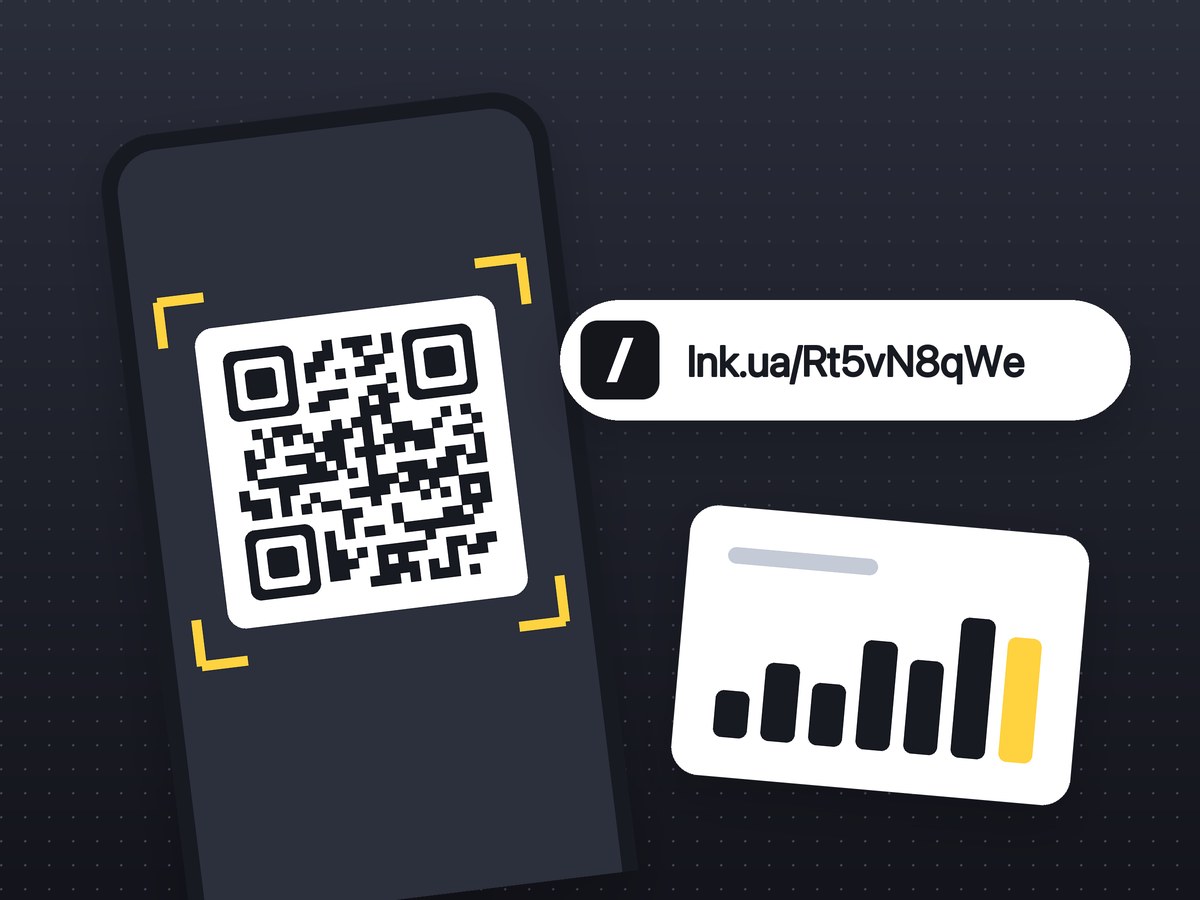
The QR code holds a short lnk.ua link, not your own URL. Someone scans the code, and the short link opens your page.
- 1Paste a link to a page, menu, form or profile and press “Create QR code”.
- 2You get a short link such as
lnk.ua/Xk7pQ2mZaand a QR code that points to it. - 3Download SVG for print or PNG for screens. The address under the code can be copied.
A short address makes a simple code: lnk.ua/ plus 9 characters fits a 25 × 25 module grid. A 140-character URL with UTM tags needs 49 × 49, so the modules are smaller and the code is harder to read from a distance.
If you create the link while signed in, scans show up in your account as clicks. What the click statistics include is described on lnk.ua.
To see which flyer or poster brought people in, add UTM tags before the QR code. If you only need the link and no code, shorten the URL on lnk.ua.
Formats and sizes
Everything the generator gives you. It has no other settings.
size parameter in the image URL.
lnk.ua/ plus 9 characters: a 25 × 25 code. On your own domain the address is longer, so the code may be slightly denser.
What people use it for
The generator makes one kind of code: a QR code that opens a link. The page behind it can be anything.
Restaurant menus
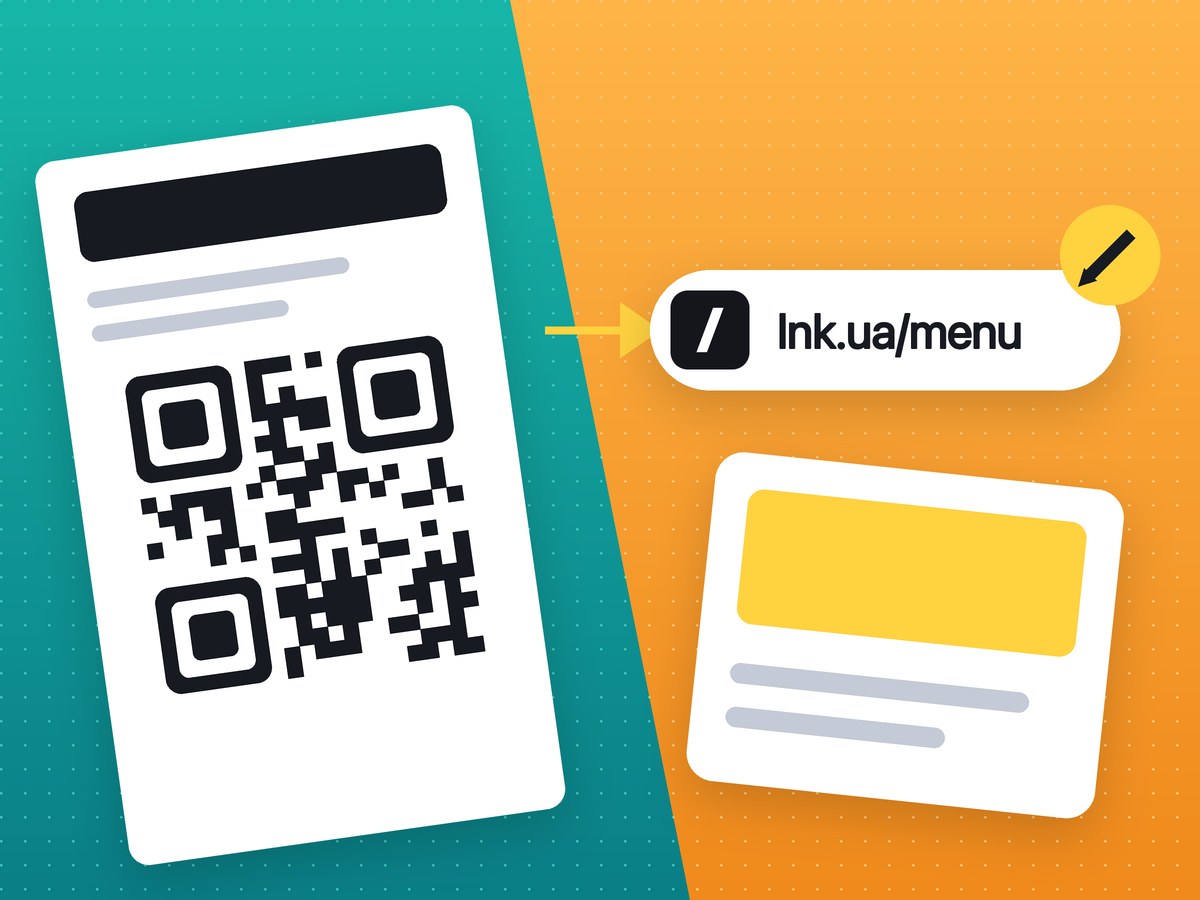
A code on the table opens the menu on your site, in Google Docs or as a PDF.
Flyers, posters, shop windows
A promotion, a booking page or a catalogue, with no address to type.
Packaging and labels
Instructions, warranty, reviews or the product page in your shop.
Business cards
Your website, a LinkedIn or Instagram profile, a contact page.
Telegram, Instagram, YouTube
A channel, a profile or a video: the code works the same as for a website.
Events and slides
Registration, the agenda, a feedback form or slides shown on the screen.
A QR code that will not stop working
The code works for exactly as long as the short link it points to.
Keeps working
- There is no free trial, so the code will not be switched off after a month until you pay.
- There is no scan limit.
- Links have no expiry date.
- Sign-up is optional, though for print it is better to create the link while signed in.
Stops working
- You delete the link or your account: printed codes will open a “not found” page.
- The link is blocked after a report of fraud or malware. See why lnk.ua blocks links.
- The shortening service itself shuts down. That is how Google’s links went away: what happened to goo.gl.
How static and dynamic codes differ, and how not to lose a print run: a QR code that will not stop working.
Before you print: a checklist
Seven things to check before the artwork goes to print.
- 1Create the link while signed in, not anonymously, so it stays in your account with its clicks.
- 2Print the SVG. PNG is for screens and slides.
- 3Keep the white margin around the code, and do not place it against the edge or over a photo.
- 4Size: from 2 × 2 cm (about 0.8 in) on a business card or flyer, bigger on a poster. Check a test print.
- 5Dark code on a light background. Not every phone reads an inverted code.
- 6Print the short address under the code, so people without a scanner can type it.
- 7Scan the code with two or three phones: an iPhone camera, an Android camera and a scanner app.
A QR code from your phone or Canva, or one via a short link
| QR from a phone, Canva or browser | QR via lnk.ua | |
|---|---|---|
| What is encoded | Your URL itself | A short lnk.ua link |
| What it depends on | Only your website | Your website and lnk.ua |
| How many people scanned it | You cannot tell | Clicks in your account, if you created the link while signed in |
| Change the address after printing | No | Not yet |
| Code density | A long URL with UTM tags makes a small, dense code | A simple 25 × 25 code, however long the URL |
If the address will never change and you do not need statistics, use the QR code from your phone. If you print a run and want to see the clicks, make the code via a short link.
What the generator cannot do
- Coloured codes, a logo in the middle or frames.
- EPS or PDF. Any design app and print shop opens SVG.
- Codes for Wi-Fi, contacts, plain text or SMS: links only.
- Tell a scan from a click on the same link. Make a separate link for print.
- Show the countries and cities of scans.
- Change the address behind a code you have already printed.
- Create codes in bulk from a spreadsheet.
Plans and other ways
- The generator is free, with no limit on links or codes. What PRO adds, including codes on your own domain, is on the Free and PRO plans page.
- Every short link has a QR code: in your account, in the Chrome extension for the open page and in the API as the
qrfield of the response.
FAQ
It is free, with no trial and no scan limit, and links have no expiry date. The code stops working only if you delete the link or your account, or the link is blocked for abuse.
Not at the moment: the address behind the link is fixed when you create it. Make sure the page is final before you print.
SVG: it is a vector file and scales without loss. PNG at 1024 px is fine for a small print, and 150 or 512 px for screens.
Yes, if you created the link while signed in: scans appear in your account as clicks. A scan and a click on the same link look the same, so use a separate link for print. More on the click statistics page.
No. The generator makes a black code on a white background, which every phone can read.
Often you can. If the address will not change and you do not need statistics, a QR code from your phone is just as good and depends on nobody. A short link gives a simpler code and clicks in your account.
A QR code that points to a short link whose destination can be changed later. Codes from qr.lnk.ua point to a short link, but changing its destination is not available yet. More in the article on dynamic QR codes.