How to make a QR code for a link: 3 ways
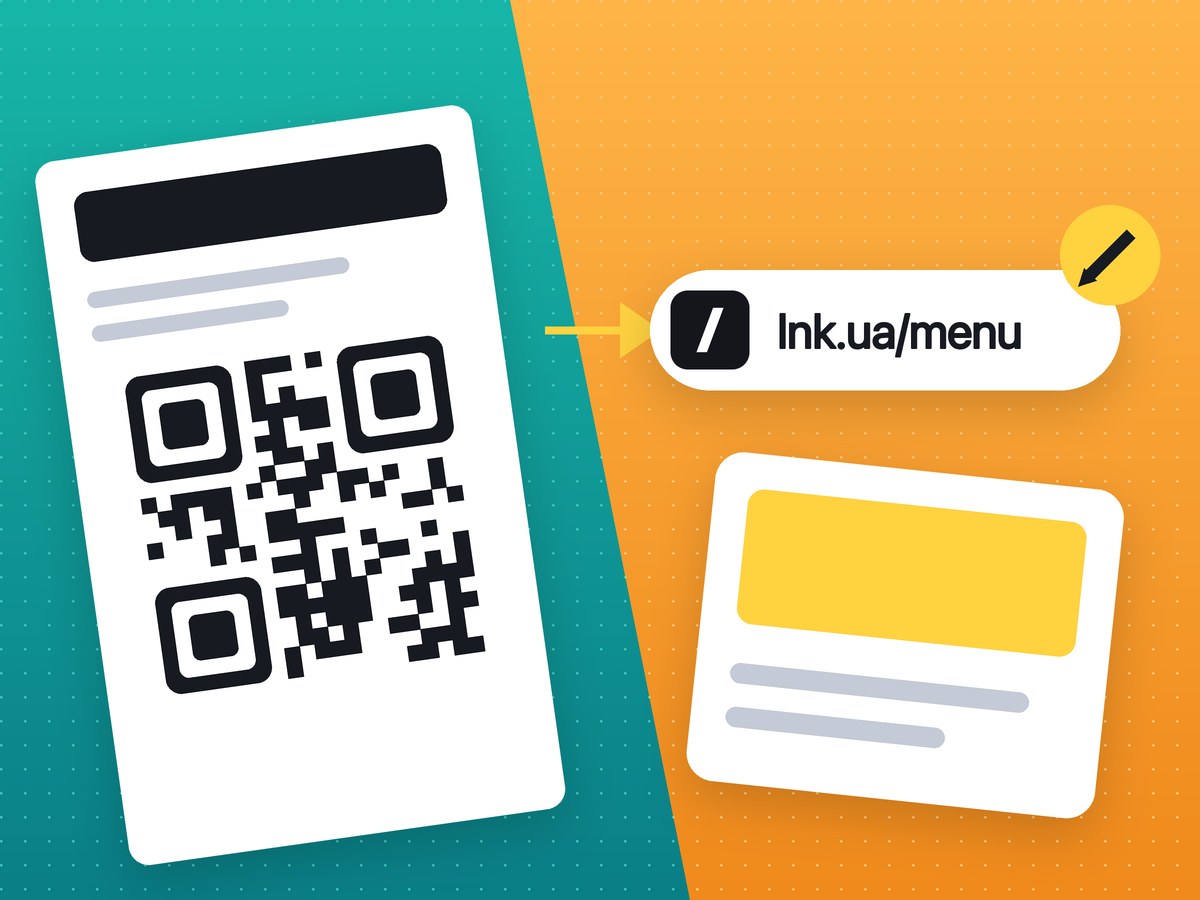
The quickest way is your browser: Chrome and Edge make a QR code for the open page in two clicks. If the code goes to print or you want to know how many people scanned it, make it through a short link on qr.lnk.ua.
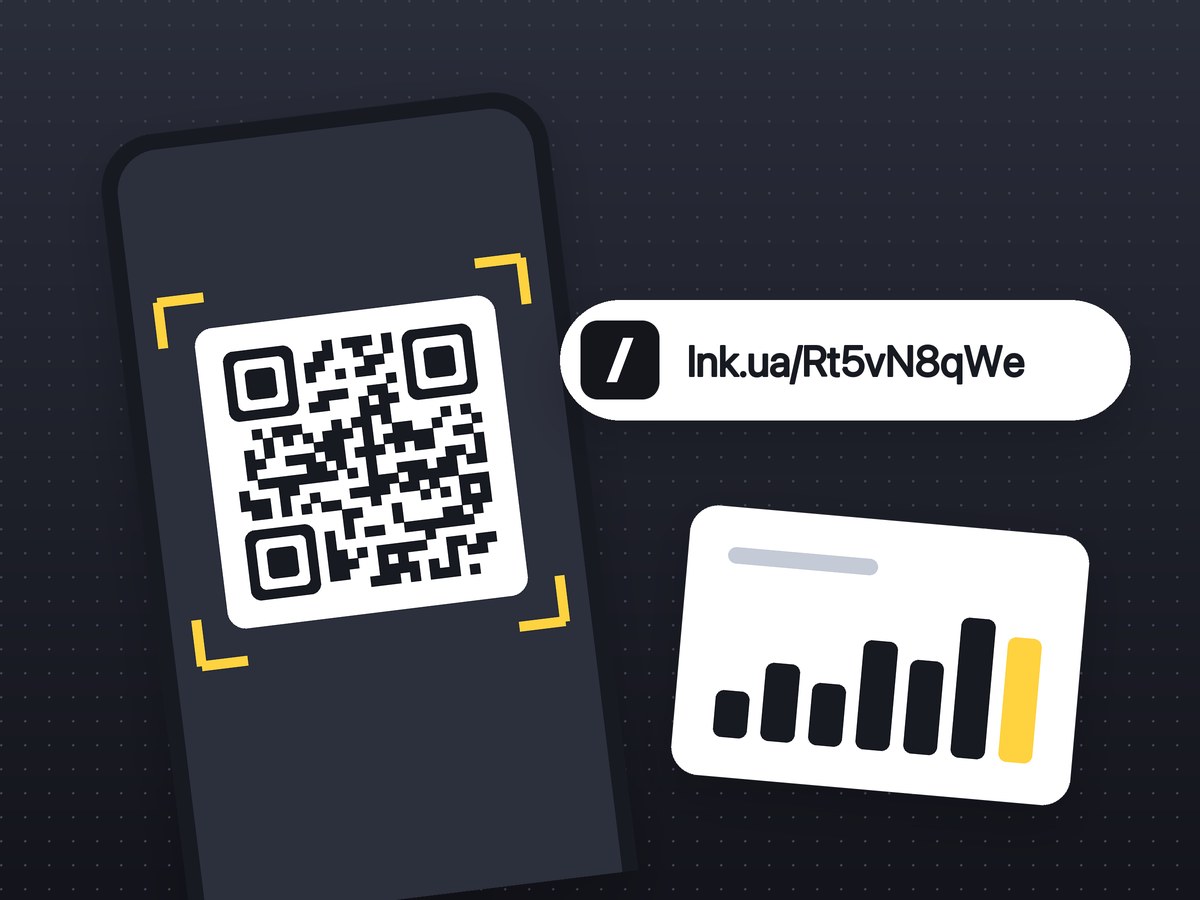
There are three ways to do it, and they differ in what ends up inside the code. A browser or a design editor puts the full page address into the code. A link shortener puts a short link there, and the short link forwards to your page. That decides how dense the code is and whether you can see how many people scanned it. The third way needs no sign-up: you get a QR code for a link on qr.lnk.ua in one step.
Way 1: in your browser
In Chrome on a computer, open the page, right-click an empty spot and pick the option to create a QR code. A small window shows the code (Chrome puts its dinosaur in the middle) with a download button. Edge has the same option in its right-click menu. On a phone, tap Share in Chrome and choose QR code; this works on Android and iPhone.
This is a static code: the address itself is stored in it, with nothing in between. It works as long as the page does, and nobody can charge you for it. You will not see any scans, though, and a long address full of parameters makes a dense code. Use it to move a page from your laptop to your phone or to show a code on screen in a meeting.
Way 2: in a design editor
If you are laying out a flyer or a menu in Canva anyway, add the code right there: Canva has an app for QR codes. Paste the address and the code lands on the page as an ordinary element you can move and resize. It is static too, with the same pros and cons. If a designer builds the layout for you, scan the final file yourself before you approve it.
Way 3: through a short link on qr.lnk.ua
- Open qr.lnk.ua and paste the page address. You can leave out
https://; it is added for you. - Click Create QR.
- You get a short link such as
lnk.ua/Rt5vN8qWeand its QR code, with download buttons under the code.
The code holds the short link, not your address, so even a 120-character URL gives a simple code with large squares. Every scan counts as a click on the link. If you made the link while signed in, you see those clicks in your dashboard (click statistics). Without an account the code still works, but the link is not in a dashboard and you see no clicks.
The trade-off: the code now depends on the service. Delete the link and the code opens a "not found" page. When that trade is worth it is covered in static vs dynamic QR codes. If your address carries UTM tags, build it with UTM + QR in one go: the builder assembles the link, shortens it and shows the code.
How to save it for print and for screens
A printer needs a vector file: it scales to poster size and the edges stay sharp. For a website or slides, a large image file is enough. On qr.lnk.ua the QR code for print has its own download button under the finished code. Never send a screenshot or a thumbnail: blurred edges make the code hard to read from a distance. Messaging apps compress pictures sent as photos, so send the print file as a document.
Why a QR code will not scan
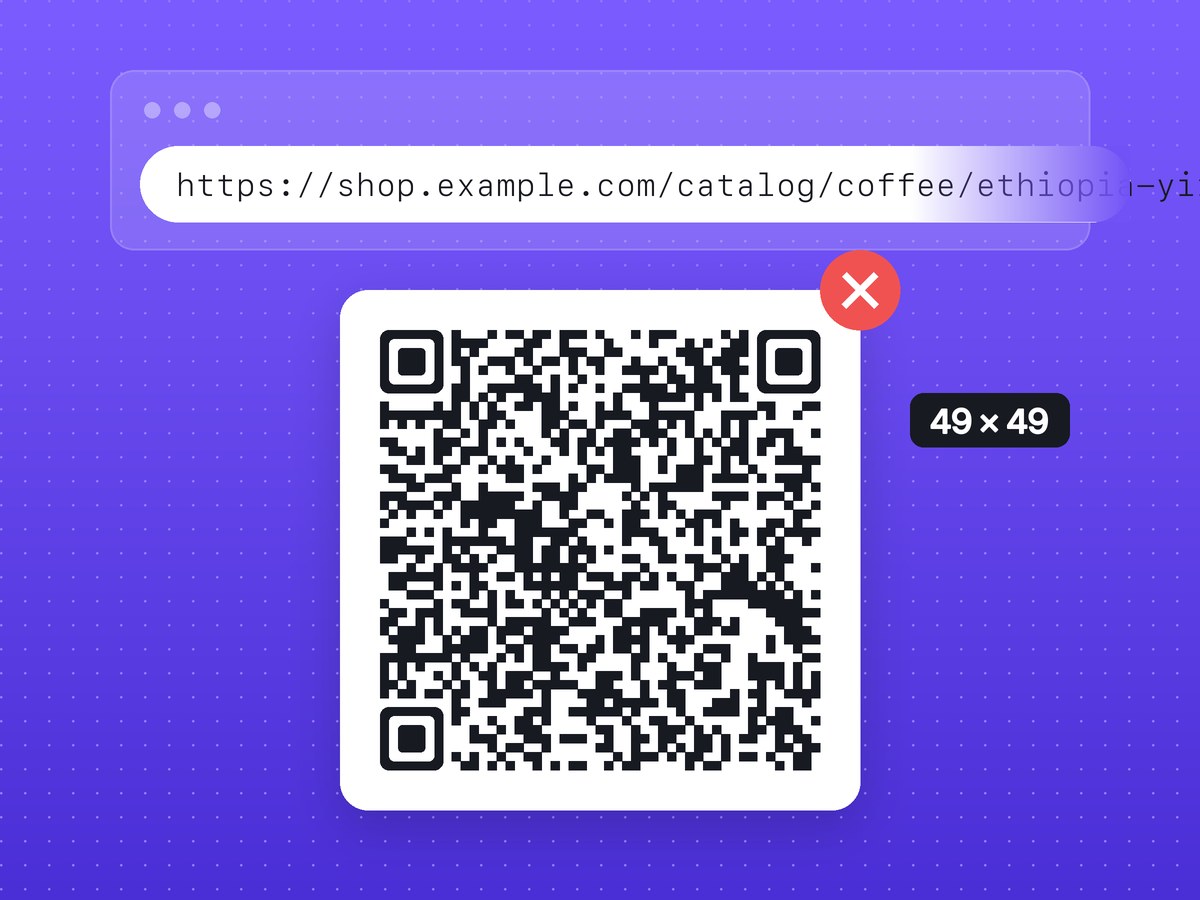
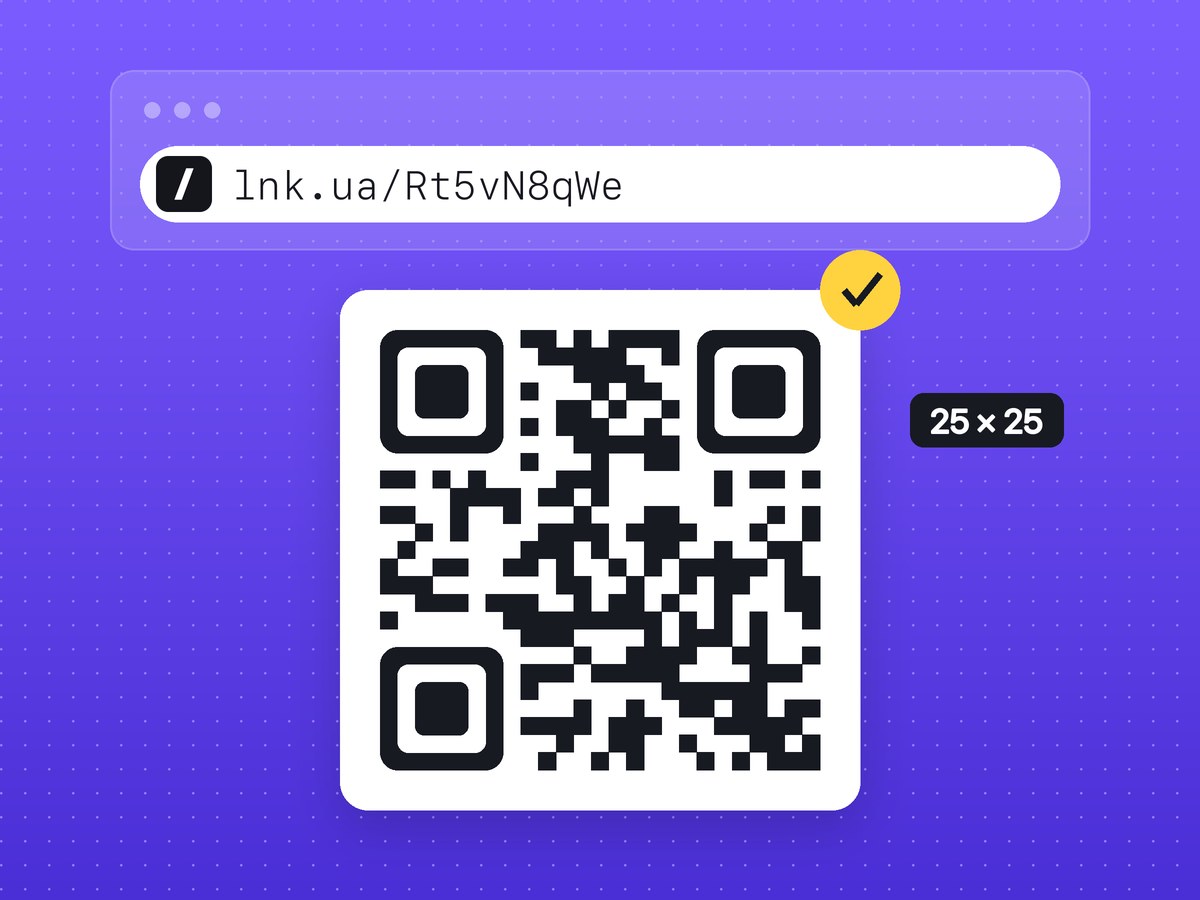
The most common cause is a long address. Every character takes room in the code. https://lnk.ua/Rt5vN8qWe (24 characters) fits a 25 × 25 grid; a shop URL with three UTM tags, 124 characters, needs 49 × 49. Print both at the same size and each square of the second one is almost half as big.
The other two causes are a code too small for the distance it is scanned from and weak contrast: grey on beige or a light code on a dark background. Black on white with a white margin is the safest, and that is what qr.lnk.ua makes. Before anything goes to print, scan it with two different phones and run through the pre-print checklist. Ready-made setups for menus, flyers and packaging are on the QR codes on packaging and flyers page.
FAQ
Can I make a QR code for a link on my phone?
Yes. Tap Share in Chrome and choose QR code, or open qr.lnk.ua in your phone's browser; the form is the same as on a computer.
Do I need an account to make a QR code on qr.lnk.ua?
No. An account is only needed to keep the link in a dashboard and see its clicks.
Can I put a logo in the middle of the code?
No, qr.lnk.ua makes a plain black code on white. A logo covers part of the squares, so if you add one in an editor, test the code on several phones.
What happens to the QR code if I delete the short link?
It stops leading to your page and opens "not found" instead. A static code from a browser does not depend on any service, but you cannot see its scans either.